


Sunday AI Blog: New Lab Advances, Practical Tools, and Safety Steps for Camps
- Matthew Kaufman

- Dec 7, 2025
- 7 min read
This week brought steady movement across the major AI labs. The updates from OpenAI, Google, Meta, Anthropic, and Microsoft point toward a clear direction. Tools are becoming faster, more affordable, more controlled, and more grounded in safety. These shifts matter for camps because your teams depend on clarity, reliability, and trust when using new systems.
Have you noticed how AI conversations have shifted from "Will this work?" to "How do we use this safely?" That's exactly where camp leadership needs to be right now.
Today's brief covers four areas that directly impact your daily work: model upgrades that speed up communication, safety features that protect your campers, productivity tools entering your existing workflows, and research that improves staff training. Each section connects to steps you can take this week.
Model Upgrades and Performance Gains
Large model providers focused this week on stability, latency, and cost. This matters because faster output improves how you prepare communication. Lower cost improves how often you use the tools. Increased stability builds trust with staff who are still adjusting to AI support.
Here's what changed this week.
OpenAI expanded availability of its latest model tier. The focus was higher throughput and clearer control over tone and structure. These improvements support long documents, parent letters, and staff manuals. You'll notice less waiting time when generating content and more consistent formatting across different types of communication.
Google refined Gemini models inside Workspace. Response times improved. Summaries became tighter. Document editing became more consistent. For camps that rely on Docs, Sheets, and Gmail, these changes reduce friction. Your staff won't experience those frustrating moments where the AI seems to "think" forever before responding.
Meta continued its weekly cycle of Llama performance patches. The updates targeted reduced hallucination rates and better output formatting. This matters because many third-party tools run on Llama models. When you use scheduling apps or communication platforms that integrate AI, you're likely benefiting from these improvements without even knowing it.

Anthropic emphasized reliability and safety. Their updates this week focused on reduced refusal errors and stronger adherence to user instructions. This improves staff workflows where accuracy is critical. Think incident reports or parent communications where getting the details right matters enormously.
Microsoft pushed improvements inside Copilot for Office. The updates targeted formatting, table handling, and document rewrites. These are small changes, but they affect daily work inside your camp office.
The takeaway for camps: Faster answers help your staff complete daily tasks without delay. Higher reliability supports incident reporting and parent communication. Structured output improves handbook updates and training documents.
Safety Features and Governance Improvements
AI safety remained a top theme this week. Providers released new information on age controls, logging, and risk scoring. These changes are important because camps work with minors and seasonal staff who hold sensitive information.
OpenAI released updates to its under-eighteen protections. They expanded age verification guidance and logging controls for apps that connect to their models. This reflects the broader trend toward tighter oversight. You need to know if staff are using tools that automatically log interactions with campers.
Google published new documentation on data handling inside Workspace when AI features are active. The guidance focused on storage, retention, and user review. Camps must know where data sits and who can access it. This isn't just about compliance: it's about maintaining the trust parents place in your program.
Meta reiterated its guidelines for youth interactions on third-party platforms that run Llama models. These guidelines stressed the need for human review and clear disclosure. If your staff use any communication tools with AI assistance, someone needs to review outputs before they reach parents or campers.
Regulators in several states published notices that warned organizations about unsupervised AI use with minors. These notices weren't targeted at camps, but camps should pay attention. The regulatory environment is tightening, and being proactive protects your program.
The takeaway for camps: You need written rules for how AI tools interact with minors. You need logs for AI-assisted communication where minors are involved. You need staff training that explains how to review AI output before any message reaches a parent or camper. You need clear storage rules for AI summaries and transcripts.
Productivity Tools Enter Mainstream Use
This week showed strong movement toward AI inside everyday tools. Staff no longer need new software to adopt AI. It now appears inside email, documents, browsers, and team platforms. Adoption will accelerate because the barrier is lower.
Google Workspace continued to surface Gemini features in Docs and Gmail. This includes summarization, rewriting, table creation, outline building, and structured planning. Staff who prepare daily communication will gain speed. Instead of starting from a blank page, they can begin with an AI-generated draft and refine it.
Microsoft refined Copilot inside Outlook and Word. The updates reduced formatting errors and improved accuracy on long messages. This helps communication teams produce consistent output. Your weekly parent updates will look more professional and require less editing time.
Several scheduling and workflow tools added AI suggestions. These suggestions target shift planning, meeting agendas, and follow-up reminders. Camps can use these features to reduce manual tracking. You might find that your scheduling software now suggests optimal counselor rotations or flags potential conflicts automatically.
Creative tools continued to add AI support. Updates focused on short-form video, audio narration, and quick design drafts. Camps that handle parent communication in-house will save time with these improvements. Creating social media content or simple graphics becomes much faster when AI handles the first draft.
The takeaway for camps: Your staff will use AI without switching platforms. Training sessions now need to focus on how to review and approve AI drafts. You should define which tasks AI supports and which tasks need manual control. You should update your written communication standards to include AI-assisted writing.
Research with Practical Impact
University groups and corporate labs released new work on training, feedback, and multi-agent cooperation. These papers are early but offer direct lessons for camp leadership and staff development.
Three themes stood out this week.
Models handled role-based scenarios with higher accuracy. This type of research supports staff practice sessions. Camps can build scenario prompts that mirror real conversations with campers or parents. Instead of generic role-play exercises, you can create specific situations that match your program's challenges.
Studies on attention and recall showed gains when workers reviewed summaries rather than raw transcripts. This supports the use of AI summaries in staff meetings. It helps teams retain key points and follow up on tasks. Your leadership team will make better decisions when they're working with clear, concise summaries instead of pages of notes.
New planning tools tested step-based reasoning. These tools break tasks into smaller steps before producing an answer. This matters for camps because many tasks involve sequences. Trip planning. Safety checks. Onboarding. Higher accuracy in multi-step tasks reduces errors.
The takeaway for camps: Use scenario prompts to prepare staff for real situations. Replace long meeting notes with clear summaries. Use step-based reasoning tools for repeatable tasks during the season.
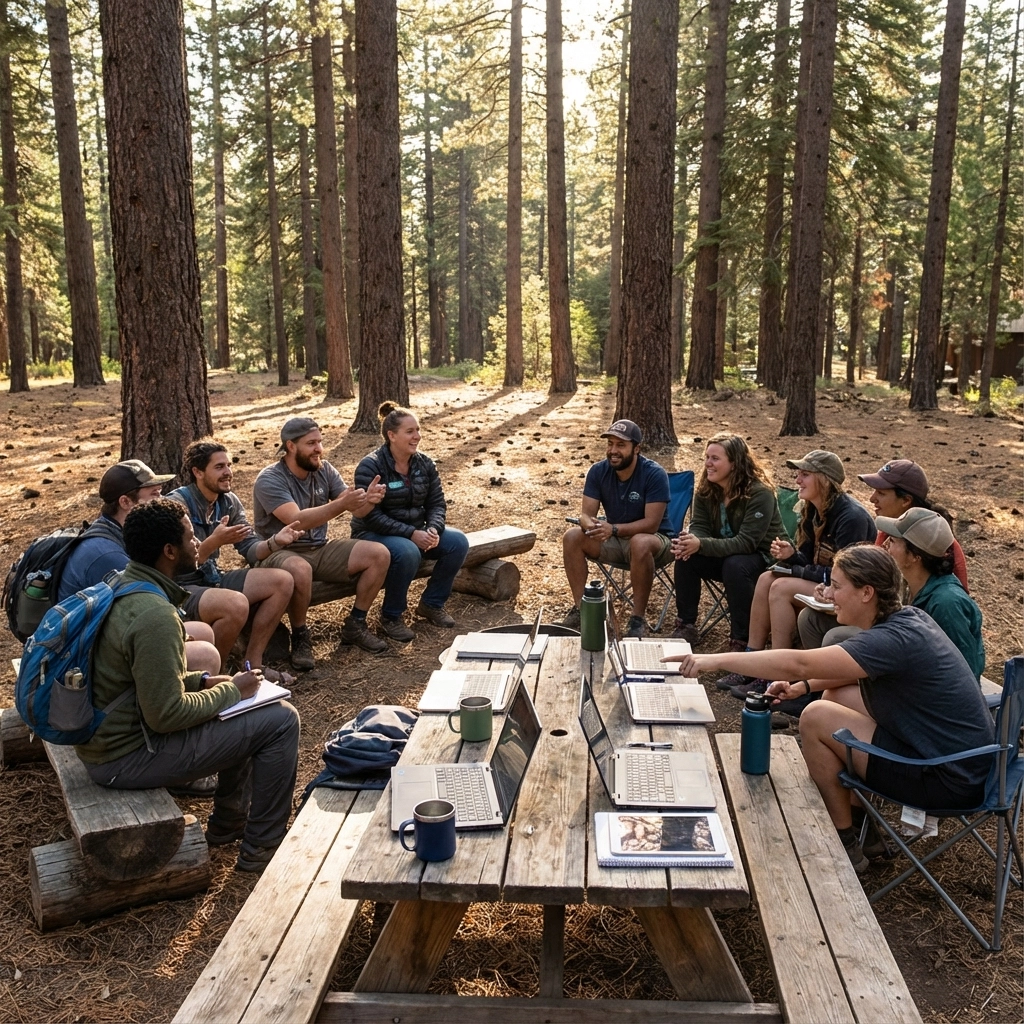
Impact on Camp Leadership and Daily Work
The updates from this week affect six areas inside your camp.
Leadership: Use improved models to review policies, prepare board updates, and outline strategic plans. Faster output and cleaner structure improve decision-making. When you're preparing for board meetings or strategic planning sessions, AI can help you organize your thoughts and present information more clearly.
Operations: Shift repetitive tasks into AI-supported pipelines. Focus on schedule drafts, supply lists, and message templates. Staff will complete tasks with less friction. Your operations team can spend more time on problem-solving and less time on routine documentation.
Safety: Use summaries for incident reports and follow-up steps. Review all outputs before use. Store summaries in restricted folders. This creates consistency in your safety documentation while maintaining the human oversight that safety procedures require.
Communications: Draft parent letters, staff updates, and weekly summaries with AI assistance. Review tone and clarity. Maintain human judgment for sensitive messages. Your communication will become more consistent and professional while still reflecting your camp's unique voice.
Staffing: Use AI to outline interview questions, summarize candidate notes, and prepare onboarding packets. This saves time during busy months when you're processing many applications and conducting multiple interviews.
Budgeting: Track subscriptions. Remove tools you no longer need. Add a training line for AI during pre-season planning. As AI becomes integrated into your existing tools, you might find opportunities to consolidate software subscriptions.
Action Steps for the Week Ahead
Here are six specific steps you can take this week to align with these developments:
Review one communication workflow. Identify where AI support reduces time. Pick something routine like weekly parent updates or staff announcements.
Draft an update to your AI policy. Address minors, logging, and staff review. If you don't have an AI policy yet, start with a simple one-page document that covers the basics.
Run one long document through a new model. Check accuracy and clarity. Use something like meeting minutes or a policy document to test current AI capabilities.
Prepare one training scenario with a short prompt. Have staff practice responses. This could be a difficult parent conversation or a camper behavioral situation.
Store AI outputs in labeled folders. Limit access to sensitive content. Create a simple filing system that separates AI-generated drafts from final approved communications.
Set one goal for December. Pick a workflow you want to refine with AI before January. This gives you time to test and adjust before the busy season begins.
This week brought stronger tools, clearer rules, and steady movement toward practical use inside daily work. Camps that move with intention will enter the next season with cleaner systems, faster communication, and safer processes.
The key is balancing efficiency gains with the human connection that makes camp special. AI helps you handle the routine work faster, which gives you more time for the meaningful conversations and creative problem-solving that define great camp leadership.
Want more insights on youth leadership and camp innovation? Follow along at www.ilove.camp and connect with me on Instagram (@MattLovesCamp) and LinkedIn for daily updates from the camp world.


Comments