


Camp AI Pulse: This Week’s Innovation & Impact
- Matthew Kaufman

- Oct 26, 2025
- 8 min read
The October air carries that familiar pre-winter energy: camp directors are deep in planning mode, staff applications are trickling in, and somewhere in a conference room, someone's sketching out next summer's theme weeks on a whiteboard. But this year feels different.
While you've been focused on cabin assignments and activity rotations, the AI world has been moving at breakneck speed. This past week alone brought three announcements that will fundamentally change how camps operate, communicate, and create content by next summer.
Here's the thing: we're not talking about sci-fi gadgets or tools that require computer science degrees. These are practical, accessible innovations that your office manager could start using Monday morning. The camps that pay attention now, and start small experiments this winter, will have a massive advantage come June.
Let's dive into what happened this week and, more importantly, what it means for your camp.
The Browser Revolution: ChatGPT Atlas Changes Everything
On October 21st, OpenAI launched something that sounds simple but is actually revolutionary: ChatGPT Atlas, a web browser with AI built directly into every page you visit. Instead of copying text, switching tabs, and pasting into ChatGPT, you can now highlight any text on the web and instantly ask for summaries, rewrites, or action items.
But here's where it gets interesting for camps: Atlas includes "Agent Mode," which can actually take actions for you: filling out forms, booking appointments, or researching across multiple sites without you lifting a finger.

Why This Matters for Your Camp
Think about your typical Tuesday morning. You're reviewing parent survey responses from last summer, cross-referencing vendor quotes for new equipment, and trying to draft a staff memo about this year's safety updates. With Atlas, that three-hour task becomes a 45-minute breeze.
Highlight a chunk of parent feedback, and Atlas extracts the top themes with supporting quotes. Open three vendor tabs, and it creates a comparison chart with pricing, features, and contract terms. Need to turn your safety updates into a friendly staff memo? Atlas drafts it in your voice, right there on the page.
The real game-changer is how this fits into your existing workflow. You're not learning a new platform or changing how you work: you're just making your browser smarter.
The Privacy Reality Check
Here's what every camp director needs to know: Atlas can "remember" what you do to be more helpful later. That's powerful for routine tasks, but potentially dangerous with sensitive information.
Before you start highlighting camper medical forms or staff performance reviews, you need clear boundaries. The good news? You can turn off the memory feature entirely or use private browsing for sensitive work.
Try This Week: Atlas Quick Win
Install Atlas on one Mac in your office (it's Mac-only for now, with Windows coming soon). Pick a single, low-stakes task: maybe summarizing your recent board meeting notes into action items. Test how it feels to work with an AI assistant that lives inside your browser instead of in a separate app.
Document what worked and what felt weird. This isn't about revolutionizing everything at once: it's about understanding how this technology fits into your daily reality.
Meta's Video Future and What It Means for Camp Storytelling
The second big story this week was Meta hiring Tim Brooks, one of the key researchers behind OpenAI's video-generation system Sora. Brooks is joining Meta's Superintelligence Labs, signaling a major push into AI-generated video content.
Why does a hiring announcement matter to camps? Because it represents a seismic shift in how video content gets made.
The Creative Revolution Coming to Camps
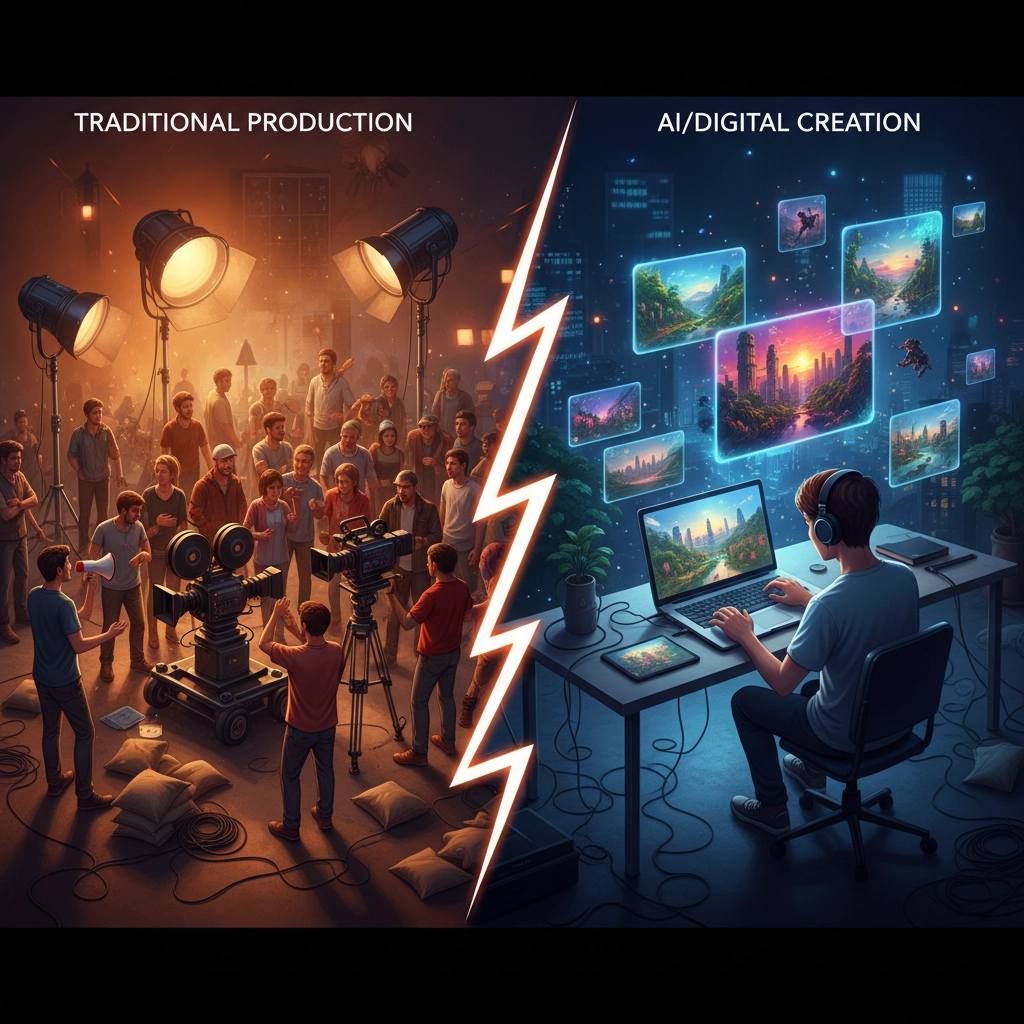
Right now, creating a quality safety training video means hiring a production company, coordinating schedules, and spending thousands of dollars. Within 18 months, your program coordinator will be able to storyboard a scenario, type a description, and generate a polished training video in minutes.
This isn't just about saving money: it's about creative freedom. Want to show counselors how to handle a homesick camper at 2 AM? Generate a realistic scenario they can discuss. Need a quick video explaining the new check-in process to parents? Create it during your lunch break.
The implications go beyond training. Imagine generating highlight reels that show the essence of camp life without needing a videographer at every activity. Or creating personalized video messages for each cabin group that celebrate their specific experiences.
The Authenticity Challenge
But here's the tricky part: as AI-generated video becomes indistinguishable from reality, camps face new questions about authenticity and trust. Parents choosing a camp want to see real moments, real kids, and real connections. How do you leverage AI's creative power while maintaining the genuine feel that makes camp special?
The answer lies in being transparent about what's generated and what's authentic. Use AI for training scenarios and explanatory content, but keep real camper moments untouched by artificial enhancement.
Try This Week: Video Inventory
Audit your current video needs. How much do you spend on video production? How many training scenarios would you create if cost wasn't a factor? What stories do you want to tell but can't afford to produce?
Make a list of "AI-friendly" video projects: training scenarios, process explanations, safety demonstrations: versus "human-only" content like camper highlights and testimonials. This inventory will guide your video strategy as these tools become available.
Google AI Studio: No-Code Power in Your Hands
The third announcement might be the most immediately useful: Google quietly upgraded AI Studio, their browser-based tool that lets anyone build custom AI assistants without coding.
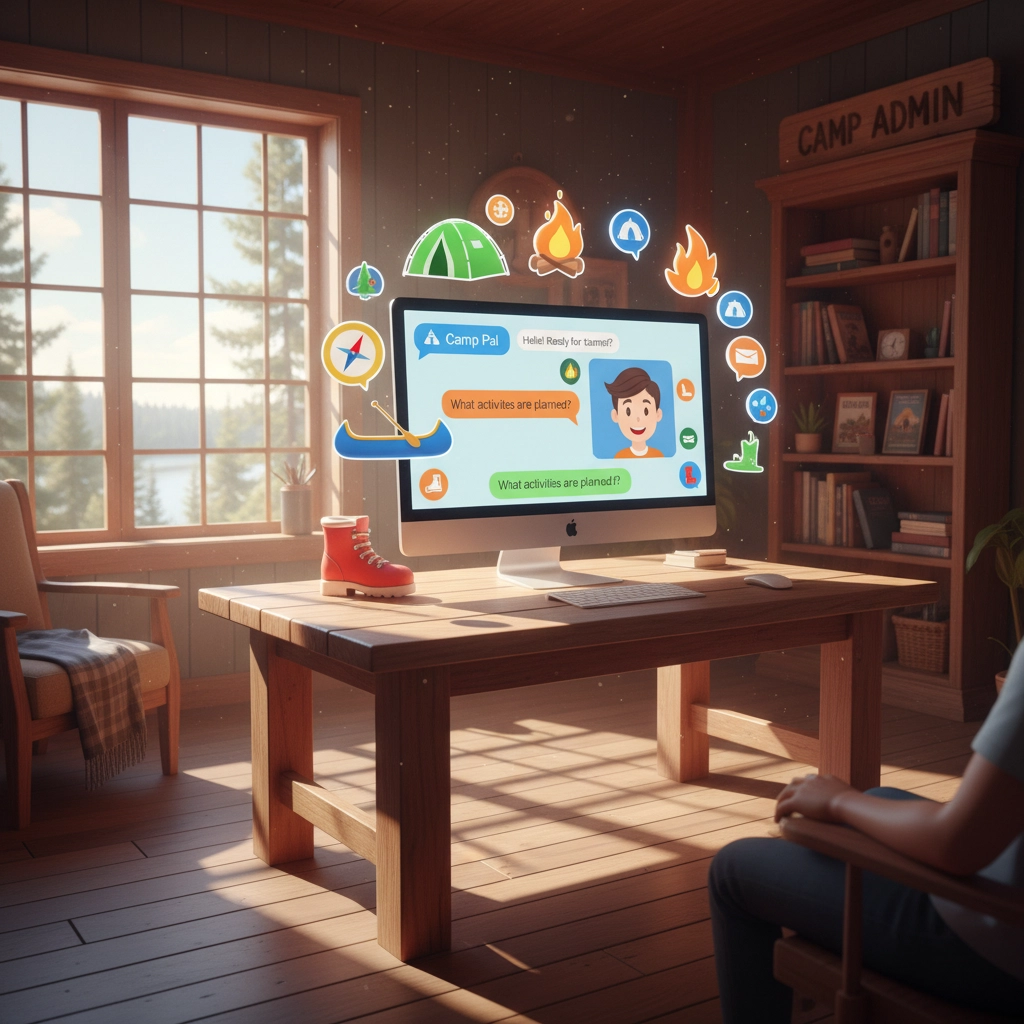
Think of AI Studio as a sandbox where you can create specialized helpers for your specific camp needs. Want a bot that answers common parent questions? Build it in 20 minutes. Need an assistant that helps staff find policies in your handbook? Done in one coffee break.
Why This Changes the Game
For years, custom AI tools required either expensive vendors or technical expertise your camp probably doesn't have. AI Studio flips that equation. Your registrar, head counselor, or program director can now create useful tools without involving IT or waiting for budget approval.
The free tier gives you about 60 requests per day: enough to test ideas and build simple assistants. If something proves valuable, the paid tiers cost pennies per interaction.
Real Camp Use Cases
Let's get specific about what you could build this winter:
Parent FAQ Assistant: Upload your parent handbook and create a public link where parents can ask questions like "What's the cell phone policy?" or "How do you handle food allergies?" The assistant gives accurate answers pulled directly from your policies.
Staff Handbook Helper: Instead of counselors digging through a 50-page manual to find the incident reporting procedure, they ask the assistant and get the exact steps with page references.
Activity Idea Generator: Feed the system your past program schedules and ask for new theme week concepts, rainy-day activities, or age-appropriate variations on classic games.
Camper Profile Summarizer: Upload anonymized intake forms and generate two-sentence overviews that help counselors quickly understand each camper's interests and needs.
Try This Week: Build Your First Assistant
Here's a 15-minute tutorial to get you started:
Go to ai.google.dev/aistudio and sign in with your Google account
Click "Create" then "New Prompt"
Choose Gemini 1.5 Flash for speed
Write something like: "You are a helpful assistant for [Camp Name]. Answer questions about our policies and procedures based on the information I provide."
Paste a section of your parent handbook or staff manual
Test it by asking a few common questions
If it works well, click "Share" to create a public link
The key is starting small. Don't try to build a comprehensive system on day one: create one focused helper, see how it performs, then expand.
The Bigger Picture: Three Trends Reshaping Camp Technology
As we step back and look at these three announcements together, some clear patterns emerge about where camp technology is headed.
Speed Over Perfection
All three tools: Atlas, Meta's video push, and AI Studio: prioritize getting to a working solution quickly over creating something perfect. This matches the reality of camp operations, where you often need "good enough right now" more than "perfect someday."
The camps that embrace rapid experimentation this winter will develop capabilities their competitors won't have until summer 2027.
Everyone Becomes a Creator
These tools don't require technical expertise: they require good judgment and clear communication. Your head counselor might become your best AI trainer builder. Your office manager might create the most useful parent communication assistant.
This democratization of technology creation means camps can solve their unique challenges instead of forcing generic solutions to fit their specific needs.
Governance Becomes Critical
With powerful tools comes the need for clear boundaries. Which staff members can use Agent Mode in Atlas? What data is safe to upload to AI Studio? How do you ensure AI-generated content maintains your camp's voice and values?
The camps that establish thoughtful AI policies this winter will move faster and more confidently than those still figuring out the rules next summer.
Action Steps for This Week
Here's your practical homework: three things you can tackle before next Sunday:
Atlas Pilot Test
Choose one staff member (ideally someone comfortable with technology but not necessarily an expert) to install Atlas and test it on a real task. Maybe summarizing vendor proposals, or drafting responses to common parent questions. Give them 30 minutes to experiment, then document what worked and what didn't.
AI Studio Workshop
Block 90 minutes for a hands-on session with 2-3 key staff members. Build a simple FAQ assistant together using content from your website or handbook. The goal isn't to create something perfect: it's to understand how these tools work and where they might fit into your operations.
Governance Kickoff
Draft a two-page "AI Use at Camp" policy covering:
Which tools are approved for camp business
What types of data should never be uploaded to AI systems
Who needs to review AI-generated content before it goes to parents or staff
How often you'll revisit these guidelines as tools evolve
Don't overthink this: you can always refine the policy as you learn. The important thing is establishing a framework now, before you're making decisions in the heat of summer prep.
Looking Ahead: The Skills That Will Matter Most
As AI tools become more capable and accessible, the most valuable camp professionals won't be those who can use every new app: they'll be those who can think clearly about problems, communicate effectively with both humans and AI, and maintain the human connections that make camp magical.
This is actually perfect alignment with camp's core mission. We've always been in the business of developing problem-solvers, creative thinkers, and people who can adapt to new situations. The campers who learn to collaborate with AI while also spending time away from devices: thinking independently, building relationships, and solving problems with their hands and hearts: will be the most prepared for whatever comes next.
The Camp Advantage
Here's what excites us most about this AI moment: camps are uniquely positioned to help both kids and staff develop healthy relationships with technology. You create environments where people practice focused attention, face-to-face communication, and creative problem-solving without digital crutches.
As AI handles more routine tasks, those distinctly human skills become more valuable, not less. The counselor who can read a camper's mood, facilitate a genuine conversation between homesick kids, or improvise a rainy-day activity using only craft supplies: that person becomes irreplaceable in an AI world.
Next Week's Developments
Atlas will continue rolling out to Windows and mobile devices, making AI-assisted browsing available to your entire team. Meta's video initiatives will likely produce new tools for content creation. Google will probably announce more AI Studio integrations with their workspace tools.
But the biggest developments won't come from Silicon Valley: they'll come from camps like yours that start small experiments, learn what works, and gradually build AI capabilities that enhance rather than replace the human connections at the heart of great programming.
The Winter Opportunity
You have roughly eight months before camp 2026 gets into full swing. That's enough time to experiment with these tools, develop policies, and train key staff without the pressure of active programming. The directors who use this winter to thoughtfully integrate AI will spend next summer focused on campers instead of scrambling to keep up with technology.
Your Next Step
Start with curiosity, not commitment. Pick one tool from this week's updates and spend an hour exploring how it might solve a real problem you face. Don't worry about implementing anything permanent: just learn how these technologies think and work.
The future of camp isn't about replacing human connection with AI: it's about using AI to handle the routine tasks so you can focus more fully on the relationships, growth, and magic that only happen when people come together in purposeful community.
What will you try first?
Follow@mattlovescampon Instagram for more AI updates and practical camp innovations. Join our community of forward-thinking camp professionals atilove.campto share what you learn and discover what others are experimenting with.


Comments