


AI in Action · Week 2: Notion Agents and Superhuman Go : Deep-Dive Reviews and Camp-Ready Tutorials
- Matthew Kaufman

- Nov 1, 2025
- 7 min read
Welcome back to our weekly upskilling series for camp professionals! Each Saturday, we dive deep into two practical, low-cost tools and show you exactly how to use them in real camp workflows. No fluff, no theory – just actionable guides you can implement Monday morning.
This week's power duo? Notion with its game-changing Agents feature, and Superhuman Go – the newly launched cross-app AI assistant that follows you wherever you work. Both tools can transform how you handle everything from parent communications to incident tracking, and we've got the step-by-step tutorials to prove it.
Part 1: Notion Agents – Your Camp's Living Operations Hub
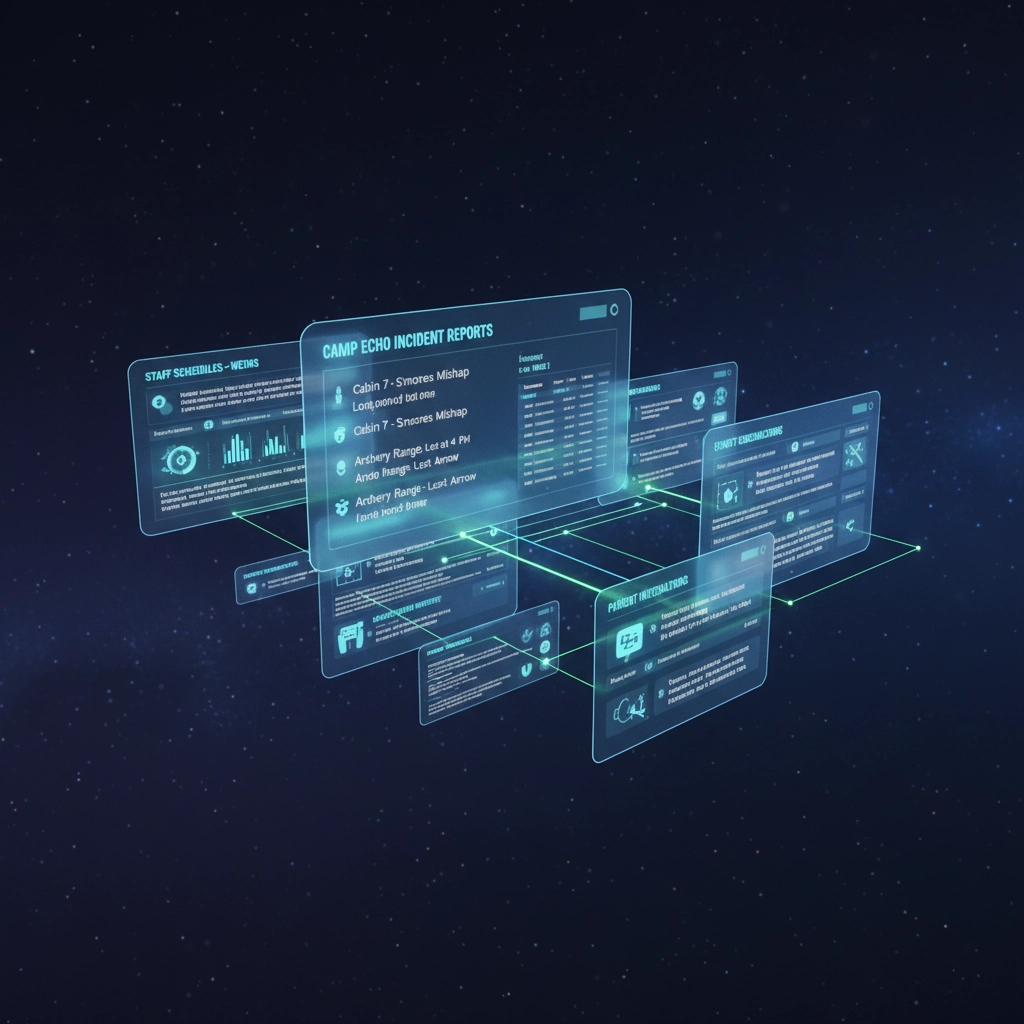
Remember when Notion was just a fancy wiki? Those days are over. With Notion 3.0's Agent feature, your camp's shared workspace has evolved from static storage to proactive assistant. Think of Agents as your internal helper that can move work forward within Notion itself – triaging meeting notes, generating tasks, updating databases, and maintaining memory about ongoing projects.
Why does this matter for camps? Because Notion often becomes the "shared brain" for preseason planning, staff handbooks, incident debrief templates, purchasing trackers, and program calendars. Agents transform that wiki from passive reference to active workflow engine.
The Pricing Reality Check
Here's what you need to know: Notion's pricing has shifted throughout 2025. Previously, AI features were an add-on (around $8 per user monthly when paid annually), but recent packaging integrates richer AI into Business and Enterprise tiers. Before you dive in, confirm what your current plan includes and whether Agents require an upgrade.
Where Notion Shines at Camp
Operational Knowledge Base: Your single source of truth that anyone can search – handbooks, playbooks, onboarding materials all in one place.
Project Management: Pre-summer milestones, staff hiring pipelines, building projects with databases and timeline views.
Meeting Momentum: Transform agendas into actions automatically – capture notes, extract tasks, assign owners, set due dates.
Incident Reflection: Standard forms that roll up to division dashboards for pattern recognition and program improvement.
Quick Setup (10 Minutes)
Start by creating a "Camp HQ" space with four top-level pages: Operations, Programs, People, and Planning. Each page contains relevant databases like "Incidents," "Purchasing," or "Staff Training."
Next, turn on AI features for your workspace and verify that Agents are enabled for team members who need them. Then add these standard templates:
"Parent Email Summary → Action Items" meeting note template
"Incident Debrief" with fields for date, location, area lead, summary, root cause, and follow-ups
"Purchasing Request" tracking vendor, SKU, quantity, cost, and status
Three Agent-Powered Workflows to Pilot This Week
Meeting-to-Action in One Click
Open your weekly leadership meeting notes and ask your Notion Agent: "From these notes, extract decisions, assign tasks with owners and due dates (1-2 weeks), and link each task to the relevant database (Programs, People, or Operations). Flag anything that's blocking next steps."
The Agent creates and updates tasks directly in your task database with links back to the original notes. No more losing momentum after meetings.
Incident Debriefs That Actually Roll Up
After completing an "Incident Debrief" template, ask the Agent: "Summarize the last 7 days of incidents by area (Waterfront, Athletics, Ropes). Surface top patterns, likely root causes, and one training action per area."
Result? A weekly digest page that leadership can review in 5 minutes and convert to training priorities.
Preseason Hiring Pipeline
Keep candidates, references, interviews, and decisions in a Notion database. Ask the Agent to: "Advance all candidates who passed references to 'Offer Drafting,' create a checklist for onboarding docs, and post a comment tagging HR if any item is missing after 48 hours."
You get a rolling pipeline that reduces manual follow-ups and prevents things from falling through cracks.
Part 2: Superhuman Go – A Cross-App Assistant for How You Actually Work
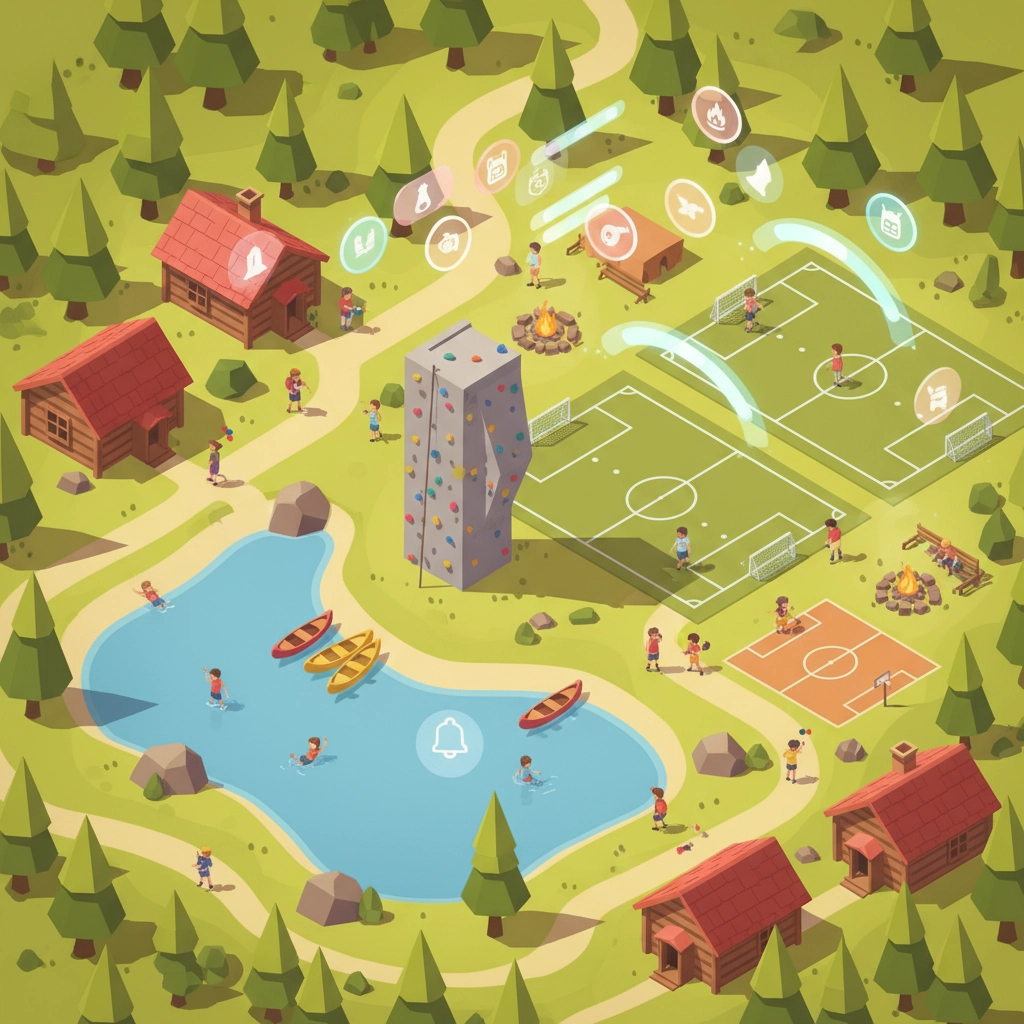
In late October, Grammarly rebranded as "Superhuman," launching Superhuman Go – a context-aware assistant that works across 100+ apps. Unlike previous assistants that waited for prompts, Go anticipates your needs by reading the room (your inbox, docs, chats) and proposing the next action.
For camp operations spread across Gmail, Google Docs, Sheets, Slack, calendars, and vendor portals, Go follows you across this entire stack rather than demanding you centralize everything first.
The Cross-App Reality
Camp professionals don't live in one app. You're constantly switching between email for parent communications, Google Docs for program planning, Sheets for budget tracking, Slack for staff coordination, and various vendor portals. Go meets you where you work.
The time-to-value is immediate: quick wins in inbox triage, parent reply drafting, summarizing long threads, and pulling context from related documents. For staff who don't naturally "think in prompts," the nudge-style guidance feels more intuitive.
Quick Setup (10-15 Minutes)
Activate Go using your existing Grammarly/Superhuman account, then connect the apps you actually use – Gmail or Outlook, Google Docs, Calendar, and Slack.
Review privacy controls carefully. Decide what data Go can access and where suggestions appear. If you handle sensitive information about campers, restrict sources to low-risk contexts like marketing docs and general parent communications.
Define your "Gold Path" – agree internally on 3-4 situations where Go is allowed to help, such as writing first-draft parent replies, summarizing threads, scheduling follow-ups on missed calls, or creating agenda bullets from documents.
Three Go-Powered Workflows to Pilot This Week
Inbox to Action in Seconds
Open a multi-message thread from a parent in Gmail. Let Go summarize the thread, propose a reply in your camp's tone, and schedule a follow-up if no response comes in 48 hours. Edit for policy and voice, then send.
This turns a 10-minute task into 90 seconds – over and over throughout your day.
Meeting Prep Without the Scramble
Before a leadership call, open the agenda doc and related staff notes. Go offers to add talking points based on last week's action items and drafts an outcomes recap template. After the meeting, accept the recap draft, paste it into your Notion "Leadership Log," and tag owners.
You'll always leave meetings with a clear, shareable write-up.
Calendar and Communications Handoff
After a challenging parent conversation, launch Go to draft a brief "call summary + next steps" email, propose three appointment windows, and create calendar holds. Confirm and adjust before sending.
This keeps your tone consistent and next steps timely when your energy is low.
How These Tools Work Together
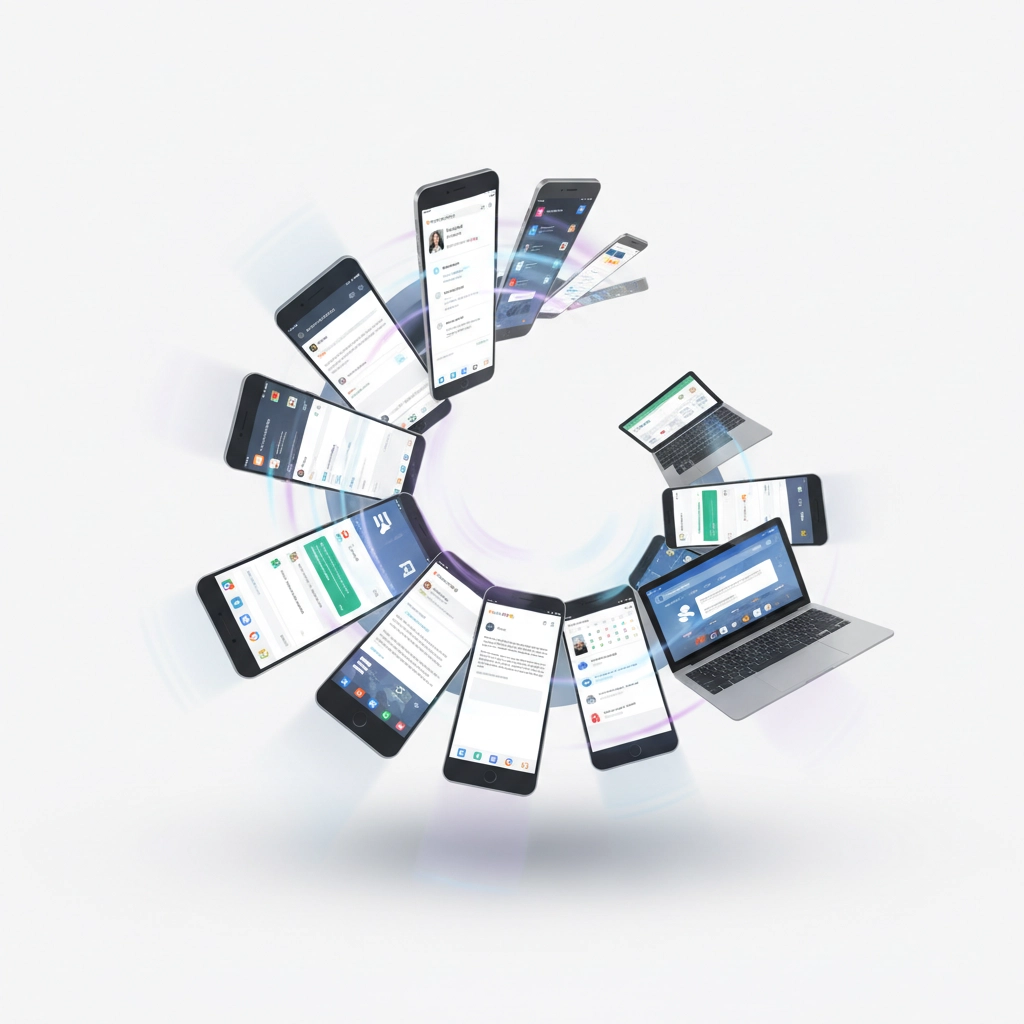
Here's where the magic happens – using both tools creates a powerful workflow loop:
Draft + Present + Act: Use Superhuman Go to summarize threads, draft responses, and pull quick context across apps. Store decisions and tasks in Notion, where Agents create and assign tasks, update dashboards, and maintain institutional memory.
Think of Notion as your canonical record and Go as your cross-app accelerant.
Real-World Example (90 Minutes Total Across a Week)
Monday: Inbox surge after a parent email blast. Go summarizes each long thread and drafts replies; you approve and send (30 minutes).
Tuesday: Notion Agent compiles "Parent Themes of the Week," creates 5 tasks with owners and due dates to address recurring issues, posts digest to Leadership (20 minutes).
Wednesday: 15-minute leadership huddle; Agent converts notes to tasks and updates "Summer Readiness" dashboard.
Thursday-Friday: Go nudges you to follow up on unanswered parents and schedules two calls (20-30 minutes).
Risks and How to Mitigate Them
Shifting Pricing: Notion's AI packaging evolved throughout 2025, and Superhuman Go is free to Pro users until February 1, 2026 – pricing after that is TBD. Keep a running "SaaS reality check" document and review quarterly.
Data Sensitivity: Keep medical and payment details out of AI assistants. Restrict Go to low-risk contexts and review privacy settings monthly.
Over-Automation: These tools speed you up, but human judgment still owns tone, policy, and exceptions. Require approvals and maintain audit logs.
Change Fatigue: Introduce one workflow at a time. Celebrate quick wins rather than trying to transform everything at once.

Camp-Ready Templates and Prompts
Notion "Parent Feedback → Actions" Template Page sections: Top Themes, Representative Quotes, Policy/Program Changes, Owners and Due Dates, Communication Plan.
Agent prompt: "From the highlighted comments, extract 4 themes with 2 quotes each, propose 1 concrete change per theme with an owner and due date within 14 days, and create tasks in the 'Readiness' database. Keep language parent-friendly."
Superhuman Go "Warm but Firm Parent Reply" System Note "Write a concise, warm reply (120-150 words) that upholds our policies, offers a call if needed, and provides one clear next step. Avoid jargon. Maintain a constructive, empathetic tone."
Action Steps for This Week
Pick One Notion Agent Pilot: Choose either Meeting-to-Action or Incident Debriefs. Define success (like "reduce post-meeting admin time by 60%") and run it for two weeks.
Enable Superhuman Go for 2-3 Leaders: Connect Gmail, Docs, and Calendar. Restrict Go to parent communications and meeting prep initially. Track time saved and response consistency improvements.
Draft AI Guardrails Memo: Create a one-page document covering "Approved contexts," "Never include," "Human approval required," and "Monthly review checklist." Share with leadership and staff.
Host a Lunch-and-Learn: Live demo showing Go summarizing a thread, you approving the reply, then Notion Agent turning the decision into tasks. Invite questions and collect use-case ideas.
The Bottom Line
Notion Agents gives camps a proactive workspace that turns notes into tasks, incidents into training opportunities, and meetings into momentum. It's your institutional memory plus automation in one platform.
Superhuman Go meets you where you work – email, docs, calendar – reducing friction between reading, deciding, and doing. For camps, that means faster, more consistent communication without overhauling your entire tech stack.
Use them together: Go to speed through everyday tasks, Notion to capture, coordinate, and improve your systems. Start with a single pilot, measure results, and expand thoughtfully.
Remember, at camp we're building problem solvers. These tools should enhance human decision-making, not replace it. The goal is freeing up time for the relationship-building and creative thinking that makes camp transformational.
What workflow will you pilot first? I'd love to hear how these tools work in your camp environment.
Want more insights on youth leadership and camp innovation? Follow along at ilove.camp and connect with me on Instagram (@MattLovesCamp) and LinkedIn for daily updates from the camp world.
Want more insights on youth leadership and camp innovation? Follow along at ilove.camp and connect with me on Instagram (@MattLovesCamp) and LinkedIn for daily updates from the camp world.


Comments