


AI in Action: Week 1 – Camp-Ready Workflows with ChatGPT Atlas & Gamma
- Matthew Kaufman

- Oct 25, 2025
- 7 min read
Updated: Oct 26, 2025
Welcome to the first week of our camp professional upskilling series. Every week, we're diving deep into two practical, affordable AI tools that can transform how you work, no coding required, no complicated setup, just real solutions for real camp challenges.
This week's power duo? ChatGPT Atlas and Gamma. Think of Atlas as your research assistant that lives in your browser, and Gamma as your presentation wizard that turns rough ideas into polished decks in minutes.
If you're a camp director juggling parent communications, an office manager drowning in training materials, or a division head trying to streamline operations, this post is built for you. We'll walk through exactly how these tools work, show you step-by-step tutorials with camp-specific examples, and give you challenges to try this week.
Ready to see how AI can actually make your camp work easier? Let's dive in.
Meet Your New Browser Assistant: ChatGPT Atlas
ChatGPT Atlas isn't just another AI tool, it's ChatGPT built right into a web browser. Imagine highlighting any text on any webpage and instantly getting summaries, rewrites, or action plans without switching tabs. That parent survey data you've been meaning to analyze? Highlight it, ask Atlas for the top themes, and get a draft action plan in seconds.
Here's what makes Atlas different: it remembers what you're working on (with privacy controls you can customize) and can actually take actions for you through "Agent Mode", think booking calendar slots or pre-filling forms based on what it learns from your browsing.
The Camp Reality Check
Atlas excels at on-page assistance but still relies on Google for deep searches. Perfect for camp workflows where you're often jumping between survey results, vendor comparison pages, and policy documents all in one session.
Current availability: Mac only (Windows, iOS, and Android coming soon). Agent Mode is available for paid ChatGPT subscribers. Privacy controls are robust but require some setup, especially important when handling parent or staff information.

Getting Atlas Ready for Camp Work (5 Minutes)
Step 1: Install and Import Download Atlas from OpenAI's site (ChatGPT account required). When prompted, import your bookmarks and passwords from your current browser.
Step 2: Privacy First This is crucial for camp professionals. Turn off "Browser Memories" by default, you can selectively enable it for non-sensitive work. Set Agent Mode to require confirmation for any automated actions, especially form fills or purchases.
Step 3: Create a Workflow Decide how Atlas fits your routine. Many camp professionals will use Atlas for research and drafting while keeping Chrome or Safari for general browsing. This prevents sensitive data from accidentally entering the AI's memory system.
Three Atlas Workflows Every Camp Leader Should Try
Workflow 1: Turn Parent Survey Comments Into Action Plans
Open your survey dashboard or exported results. Highlight representative comment blocks and ask Atlas:
"Summarize the top 5 themes from these comments. Include two example quotes per theme and suggest one specific policy change per theme with an owner and due date."
Then follow up: "Rewrite this as a 300-word staff update in a supportive, constructive tone. Add an opening paragraph thanking the team for their work."
Copy the result into your staff communication. What used to take an hour of reading, sorting, and drafting now takes 10 minutes.
Workflow 2: Craft Individualized Parent Responses
In your email, open a long thread with a parent concern. Highlight their message alongside your camp's standard talking points from your handbook.
Ask Atlas: "Draft a warm, clear reply in about 120 words. Keep our policy accurate, invite a phone call if needed, and avoid jargon. Give me two different closing options."
For complex situations, use Agent Mode to propose specific calendar slots or pre-fill your booking form, just make sure you review before sending.
Workflow 3: Vendor Comparisons Made Simple
Open tabs for 3-4 potential vendors (radio systems, time clocks, activity supplies). For each page, ask Atlas:
"Extract the price, contract terms, data export options, support details, and any education discounts mentioned."
Then: "Create a one-page comparison chart with a recommendation for day camps versus overnight camps."
You'll still fact-check everything, but you get a solid first draft in minutes instead of hours.
Gamma: Your Presentation Co-Pilot
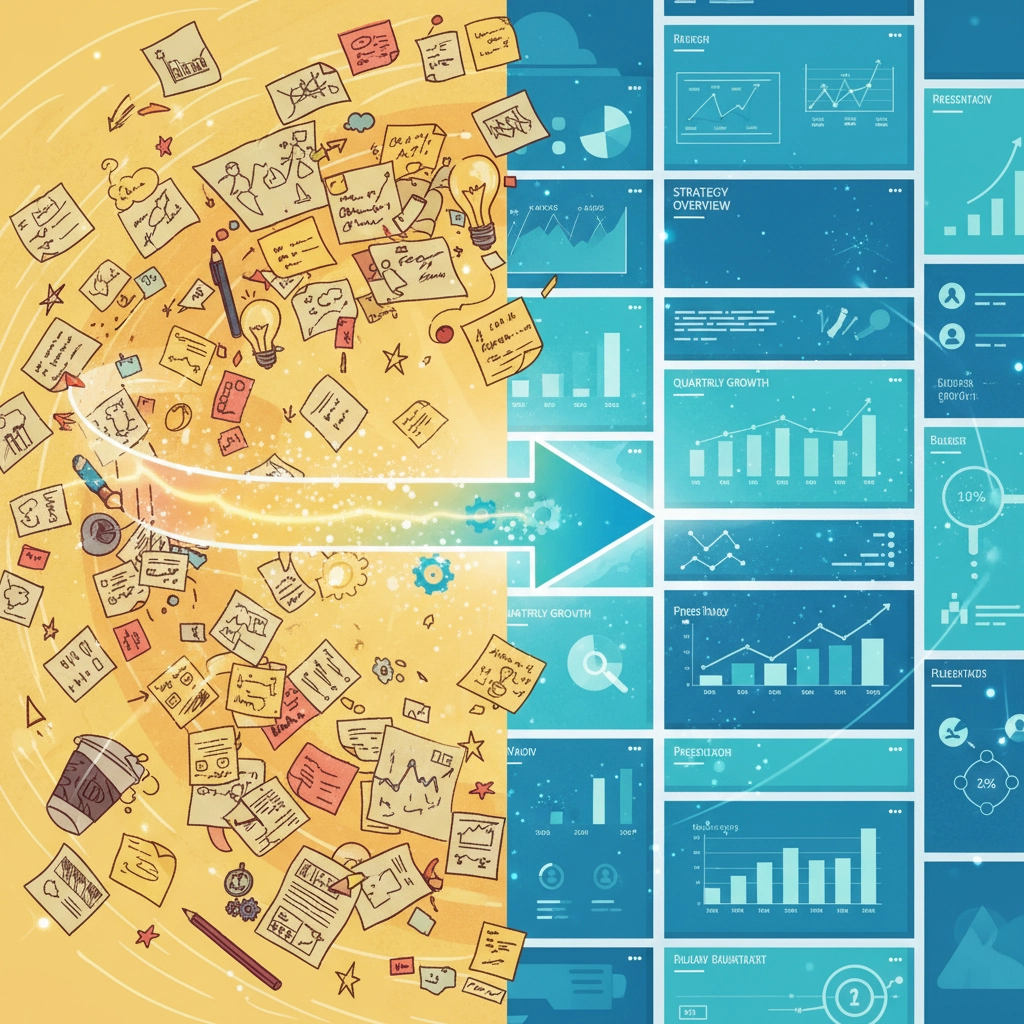
While Atlas helps you research and draft, Gamma transforms your rough ideas into professional presentations. No more staring at blank Google Slides wondering how to make your staff training look cohesive.
Gamma works like this: you describe what you want to present, and it builds the structure, writes initial content, applies consistent design, and even suggests relevant images. Perfect for parent information nights, staff orientations, or board presentations where polish matters but you don't have design time.
Pricing Reality: Free plan for testing, Plus at $10/user/month, Pro tier for advanced features. Most camp applications work fine on the Plus level.
Building Your First Camp Presentation (15 Minutes)
Let's create a Parent Information Night deck you can adapt every season.
Step 1: Start with a Clear Brief In Gamma, click Create → Presentation. Paste something like:
"Create a 12-15 slide Parent Information Night presentation for a day camp serving ages 5-15. Goals: build trust, explain safety systems (medical, waterfront, transportation), highlight community traditions, and outline communication expectations. Include a 'What's New This Year' section and buffer slides for Q&A. Tone should be warm, professional, and concrete."
Step 2: Apply Your Brand Upload your camp logo and set brand colors. Choose a template that feels right for your camp's personality, modern and clean, or warm and traditional.
Step 3: Refine the Content Ask Gamma to shorten wordy slides to 3-5 bullets maximum, 12 words per bullet. Replace generic policy language with your actual handbook text, then ask Gamma to make it parent-friendly while keeping accuracy.
Step 4: Add Real Camp Photos Replace stock images with photos from your last season. Keep image placement consistent, one style throughout makes everything look more professional.
Step 5: Export and Share Export to Google Slides if your team collaborates there, or PDF for final handouts. Gamma plays nice with whatever platform your camp already uses.
Three Essential Camp Decks to Build This Month
Staff Orientation 101 Create a 20-slide foundation covering camp values, safety culture, communication expectations, and incident reporting. Ask Gamma to generate scenario slides, short situations staff can discuss in small groups.
Activity Area Playbooks Build individual decks for Waterfront, Athletics, Arts, and other program areas. Include safety checklists, risk management steps, and reflection questions that reinforce learning and community building.
Leadership Updates Whether it's for your board, parent committee, or staff leadership team, create template decks for regular updates. Include sections for metrics, challenges, wins, and next steps.
How Atlas + Gamma Work Together in Your Weekly Routine
The magic happens when you use these tools as a team. Here's a workflow that camp directors are already using:
The 60-Minute Presentation Pipeline:
Research and Draft (Atlas - 25 minutes): Open your parent survey results and a few articles about camp communication best practices. Ask Atlas to synthesize top themes and draft talking points.
Structure and Polish (Gamma - 15 minutes): Paste those talking points into Gamma. Generate a clean deck with your brand applied.
Personalize and Finalize (15 minutes): Replace key slides with your specific policies. Export to Google Slides for team collaboration.
Review and Launch (5 minutes): Quick final pass with your leadership team.
What used to take hours of research, drafting, and design work now fits into a focused hour, with better results.
Privacy and Governance: Keeping Camp Data Safe
Let's be real about data security. Both tools handle information intelligently, but you need clear boundaries when working with parent, staff, or camper information.
Atlas Privacy Rules:
Keep Browser Memories off when viewing any sensitive information
Use Incognito mode for medical forms, payment data, or confidential staff notes
Review and clear saved memories monthly, especially on shared computers
Set Agent Mode to require confirmation for all actions
Camp AI Policy Template: Create a one-page guide covering:
When it's appropriate to use Agent Mode
What data can be summarized (general survey themes: yes; specific family information: no)
What never goes into AI tools (social security numbers, medical details, payment information)
Monthly Review Process: Schedule 15 minutes monthly to clear browser memories and review settings. This is especially important if you use shared or loaner devices during camp season.
Common Pitfalls (And How to Avoid Them)
The Memory Leak: Accidentally storing sensitive information in Atlas's browser memory. Solution: Default to memories off, enable selectively for general research only.
Over-Automation: Letting AI make judgment calls about policy or sensitive communications. Solution: Treat these tools as accelerators, not decision-makers. You own the final content.
Brand Inconsistency: Using Gamma's default templates instead of setting up your camp's visual identity. Solution: Spend 10 minutes once setting brand colors and fonts. Future presentations will thank you.
Training Overload: Trying to roll out both tools to all staff simultaneously. Solution: Start with key leadership, document what works, then expand gradually.
Cost and Time Reality Check
Atlas: Included with your ChatGPT subscription (starts around $20/month for Plus). Mac-only currently, with other platforms coming soon.
Gamma: Free tier for testing, $10/month/user for most camp needs. Pro tier available for advanced features.
Time Investment: Plan 2-3 hours to get comfortable with both tools, then expect to save 3-5 hours weekly on research, drafting, and presentation tasks.
ROI for Camps: Camp professionals may save up to 4-6 hours weekly on parent communications, staff training materials, and vendor research. That's 15-20 hours monthly that can go back into program development or strategic planning.
Your Week 1 Challenge
Ready to test these tools with real camp work? Here are two challenges designed for different experience levels:
Atlas Challenge: Open three tabs: an article about building resilience in kids, your incident log summary from last season, and your parent FAQ. Ask Atlas to create a one-page "Resilience at Camp" resource for staff, including three do's and three don'ts in clear language.
Gamma Challenge: Take that one-pager and turn it into a 6-slide micro-training for counselors. Include two short scenarios staff can discuss and one reflection slide with discussion questions. Export to Google Slides and share with your lead staff.
Bonus Integration Challenge: Use Atlas to research three new activity trends from camp industry publications, then create a Gamma presentation proposing which ones fit your camp's mission and budget.
What's Next
These tools represent a new way of working: one where technology amplifies human creativity and judgment rather than replacing it. At camp, we've always been about building problem-solvers and independent thinkers. These AI tools, used thoughtfully, can help our staff develop those same skills while managing the practical demands of camp operations.
The combination of smart research assistance and presentation building means more time for the strategic thinking that makes camps special. More time to focus on culture, community, and the magic moments that happen when technology supports human connection rather than replacing it.
Next week, we'll explore two more practical tools that camp professionals are using to streamline operations and enhance program delivery. Want to stay ahead of the curve on camp innovation? Follow @mattlovescamp on Instagram and join our growing community at www.ilove.camp.
The future of camp operations isn't about replacing human judgment; it's about giving camp leaders better tools to focus on what matters most: creating transformative experiences for kids and meaningful work for staff.
What will you build first?


Comments