


AI in Action: How Claude Artifacts and Runway Help Camps Build Stronger Teams
- Matthew Kaufman

- Nov 22, 2025
- 6 min read
Technology moves fast, but camp moves faster. Between staff training deadlines, parent communications, and program prep, you need tools that work immediately without requiring a computer science degree. This week brought major updates to two AI tools that can transform how you build training materials, strengthen communication, and support program design.
Both Claude Artifacts and Runway received significant improvements that push them into the category of tools you can actually use inside your camp office without technical experience. These aren't futuristic concepts: they're practical solutions for real problems you face every day.
The Problem with Traditional Training Materials
You know the drill. It's two weeks before staff arrive, and you're scrambling to update orientation packets, safety protocols, and activity guides. You need materials that look professional, make sense to your team, and can be quickly modified when plans change.
Most camps end up with a patchwork of outdated documents, hastily printed handouts, and information scattered across different platforms. Your staff struggle to find what they need, parents get confused by inconsistent messaging, and you spend way too much time reformatting the same content.
Sound familiar? That's exactly what these AI tools solve.
Understanding Claude Artifacts
Claude Artifacts transforms how you create structured content. Instead of wrestling with document formatting or learning new software, you describe what you need in plain language and get a working result in seconds.
Think of it as having a design assistant who never gets tired and always follows directions perfectly. You write a request like "Create a checklist for opening the waterfront" and receive a clean, printable document you can immediately share with your aquatics team.

What makes Artifacts special for camps:
The tool produces interactive outputs that your staff can actually use. Not just static documents, but forms they can fill out, checklists they can check off, and guides they can follow step-by-step. You can export everything to HTML or share links that work on any device.
This week's updates improved layout control and export reliability, which means fewer formatting headaches and more time focusing on content.
Real camp workflows you can implement today:
Your head counselors need a decision tree for handling homesickness. Instead of writing a lengthy manual, you prompt Artifacts for a flowchart that walks through each scenario. Your staff get clear guidance, and you avoid the confusion that comes with paragraph-heavy instructions.
Your kitchen staff need a prep timeline for special diet accommodations. You describe your camp's meal schedule and dietary requirements, and Artifacts builds a structured timeline with tasks, timing, and responsibility assignments.
Your transportation team needs a checklist for bus safety inspections. You provide the requirements, and Artifacts creates a form they can use on their phones while walking around each vehicle.
Practical Training Applications
Training materials work best when they're visual, interactive, and impossible to misunderstand. Artifacts excels at creating this type of content because it structures information the way people actually process it.
Staff onboarding becomes smoother when you replace dense orientation packets with interactive guides. New counselors can work through role-specific checklists, specialists can reference equipment setup procedures, and leadership can track completion without chasing people down.
Safety protocols get followed when they're presented as simple decision trees rather than policy manuals. Your staff need to know what to do in specific situations, not memorize pages of regulations. Artifacts helps you create guides that answer "What do I do when..." questions with clear next steps.
Program planning improves when your activity leaders have structured templates for lesson plans, supply lists, and progression guides. Instead of starting from scratch each session, they can follow proven frameworks that ensure consistency across your program.
Runway's Video Revolution
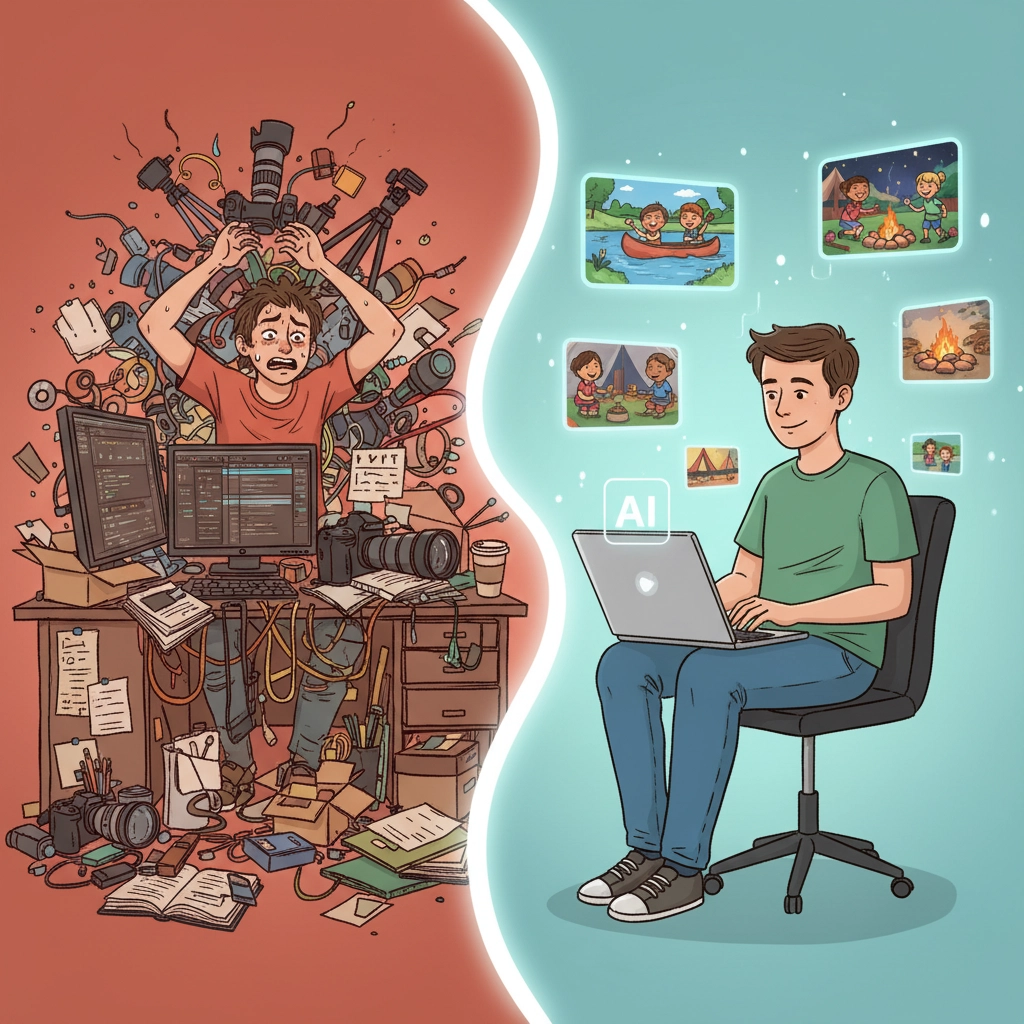
While Artifacts handles your written materials, Runway transforms how you create video content. The latest updates improved motion stability and reduced the technical glitches that made earlier versions frustrating to use.
You describe the scene you want, and Runway generates a short video. You can also turn static images into motion clips, which opens up possibilities for training content, parent communications, and camper engagement.
Why video matters more than ever:
Your staff learn faster with visual demonstrations. Research consistently shows that short training videos improve retention and reduce mistakes during real-world application. Runway lets you create these videos without cameras, actors, or editing software.
Your parents expect regular updates with visual proof that their kids are having amazing experiences. Quick video content keeps families engaged and builds trust in your program.
Your campers respond strongly to familiar faces and recognizable settings. Video content featuring your actual camp environment creates excitement and helps with transition anxiety.
Immediate applications for camp operations:
Create safety demonstration videos that show proper procedures rather than just describing them. Your lifeguards can watch a video that demonstrates rescue techniques specific to your waterfront layout. Your kitchen staff can see food safety protocols in action.
Build excitement with quick promotional content for special events, theme days, or program announcements. Instead of sending text updates, you can create short videos that capture the energy of your camp community.
Support campers with specific needs through calm visual content. Some children benefit from seeing spaces and routines before experiencing them in person. Runway helps you create gentle walkthroughs of camp areas and daily schedules.
Communication That Actually Works
Both tools address a fundamental challenge in camp operations: creating clear communication that people actually follow. Your staff need instructions they can understand quickly during busy moments. Your parents need updates that build confidence in your program. Your specialists need training materials they can reference on the spot.
The combination proves powerful because different situations require different types of content. Sometimes you need a quick checklist, other times a visual demonstration. Having both tools available means you can match your communication format to what actually works best.
Building consistent messaging becomes easier when you can quickly generate content that follows your camp's voice and standards. Instead of hoping everyone interprets policies the same way, you can create materials that eliminate confusion before it starts.
Implementation Strategy That Works
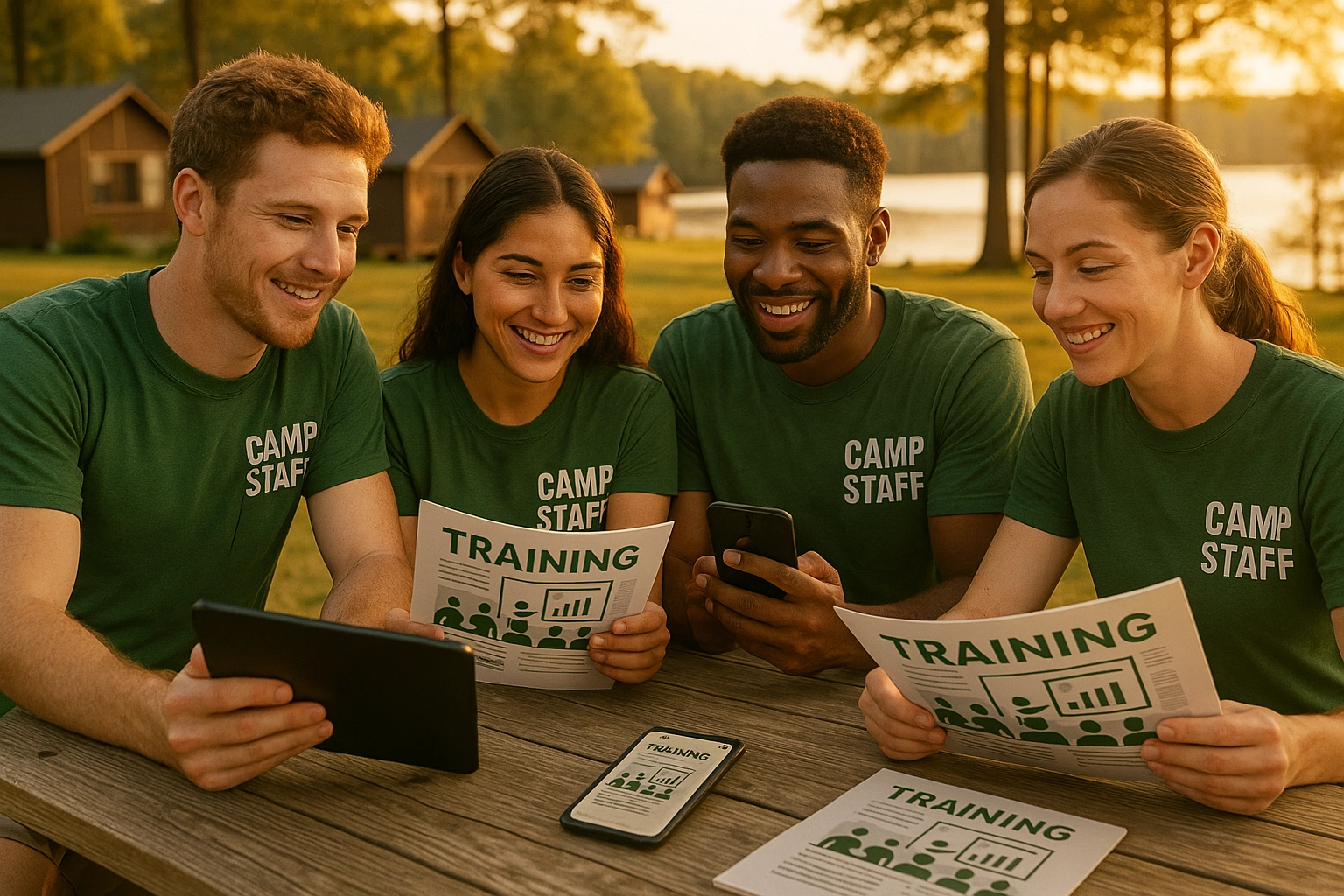
Start small and build confidence. Pick one area where communication regularly breaks down: maybe opening procedures, conflict resolution, or parent updates. Create one piece of content using each tool and test with a small group.
Week one: Choose your most pressing communication challenge. Build a simple training aid in Artifacts and a short video in Runway. Share with your senior team and ask for specific feedback about clarity and usefulness.
Week two: Revise based on feedback and expand to a broader group. Pay attention to which format works better for different types of content and different audiences.
Week three: Document what works and create templates for similar content. Build a simple system so other team members can create materials following proven formats.
The goal isn't to replace everything at once but to solve specific problems with better tools. Focus on areas where clearer communication directly impacts safety, program quality, or team effectiveness.
Training Your Team to Think Differently
These tools work best when your team understands their potential. Spend time during pre-camp training showing staff how to create simple materials they can use in their roles. Your head counselors might build daily schedule templates. Your specialists might create equipment checklists. Your admin team might design parent communication formats.
The learning curve stays manageable because both tools use natural language rather than technical commands. Staff who feel comfortable texting can learn to create content with AI assistance.
Problem-solving skills improve when your team can quickly prototype solutions to communication challenges. Instead of accepting confusing processes, they can build better materials that support their success.
This aligns perfectly with camp's core mission of developing independent problem solvers who can adapt to new technology while maintaining strong interpersonal skills.
Budget and Resource Considerations
Both tools operate on subscription models that cost significantly less than hiring design help or purchasing specialized software. For most camps, the monthly cost equals what you'd spend on a single professional design project.
Calculate the time savings against your current content creation process. How long does it take to update orientation materials, create safety handouts, or produce parent communications? These tools typically reduce that time by 70-80%.
Consider the quality improvement when comparing costs. Professional-looking materials build confidence with staff and parents. Clear instructions reduce mistakes and safety issues. Better communication strengthens relationships with your camp community.
Looking Ahead to Summer 2026
Technology will continue advancing, but these fundamental needs remain constant: clear training materials, effective communication, and tools that work during busy camp operations.
Start building your library now of templates, guides, and video content you can adapt for next summer. The work you do during the off-season creates leverage when you're managing full operations.
Train your returning staff on these tools during winter gatherings or spring training. Give them time to experiment and find applications specific to their roles.
Document what works so you can quickly onboard new team members and maintain consistency across seasons.
The camps that adapt these tools thoughtfully will deliver clearer training, stronger communication, and better support for their teams. This translates directly to improved safety, program quality, and family satisfaction.
Your summer moves fast, but your preparation time moves slower. Use that time wisely to build systems that support your team when it matters most.
Want more insights on youth leadership and camp innovation? Follow along at www.ilove.camp and connect with me on Instagram (@MattLovesCamp) and LinkedIn for daily updates from the camp world.


Comments